Java for Beginners in 2026(EP - 2: Strings, Arrays, and the Immutability Trap)
Demystify how Java handles complex data structures on the heap. Discover why standard strings are unchangeable and learn how to master multi-dimensional array operations without the textbook jargon.

In our last episode, we looked at how primitive data types sit cleanly inside isolated execution frames on the Stack. But primitive values can only take your software so far. To build real enterprise systems, applications must handle massive collections of complex data.
To do that, Java leaves the Stack behind and relies heavily on the Heap… a massive, dynamic pool of memory where objects, arrays, and strings live. Let's skip the academic fluff and look directly at how the Java runtime manages heap references, why strings are secretly permanent, and how to master matrix logic without crashing your system.
The Memory Divide: Stack vs. Heap Reference
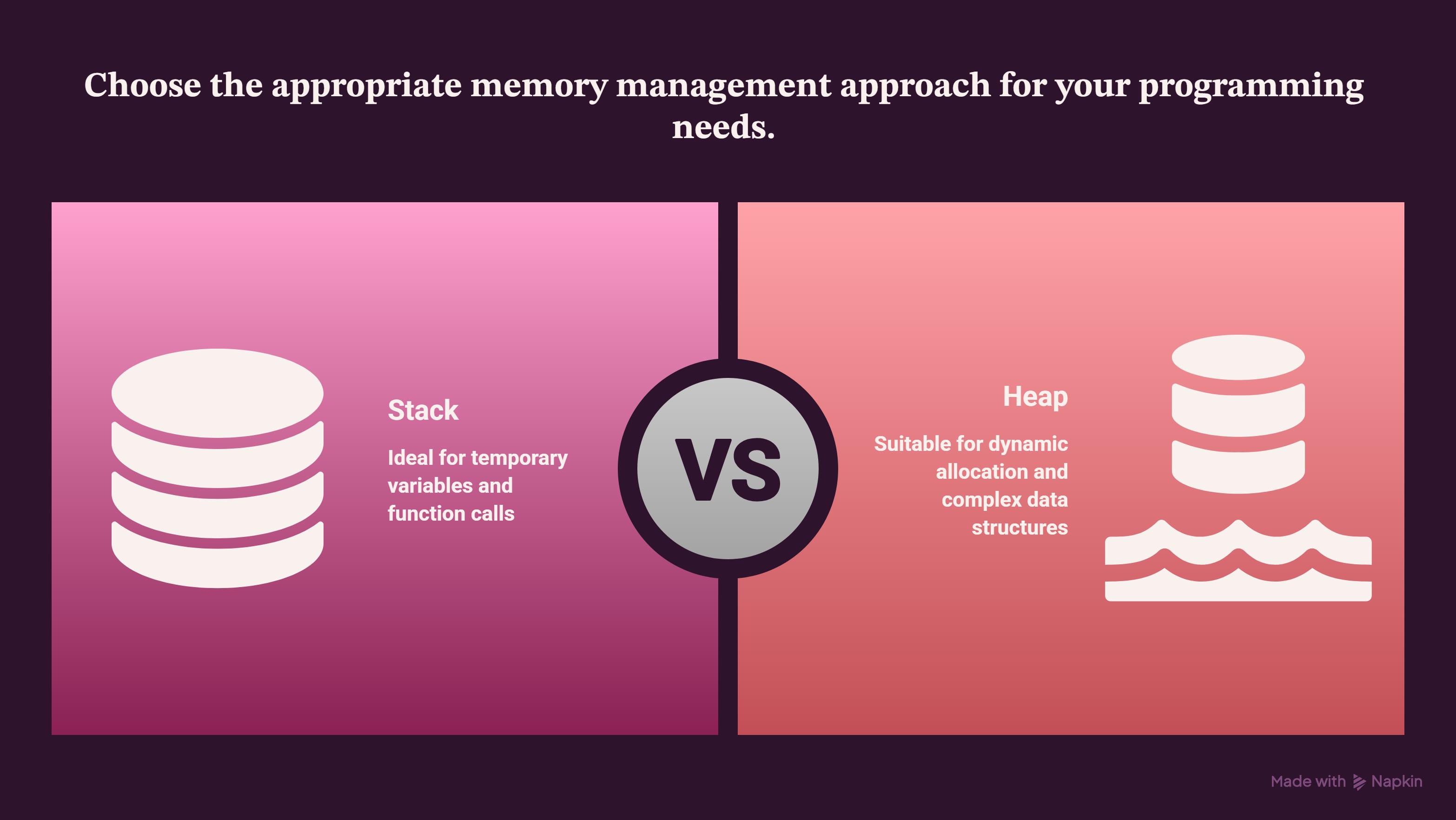
Unlike primitives, variables containing strings or arrays do not hold actual values directly on the execution stack. Instead, they hold a Reference, which is simply a tiny address pointing to where the real data is physically stored out on the Heap.
When you copy an array variable to another, you aren't cloning the data; you are simply copying that tiny reference address. Both variables now point to the exact same memory box on the heap. If you change a value using the second variable, the first variable changes too.
The String Constant Pool & The Immutability Trap
One of the most famous properties of Java is that standard Strings are completely Immutable. This means once a String object is generated on the heap, its text content can never be changed or modified by the system.
So what happens when you alter a string variable using code like this?
String name = "Webrizen";
name = name + " AI Labs";
Java doesn't modify the text "The moon" in place. Instead, it creates a completely brand-new String object somewhere else on the heap containing "protects", updates your variable's reference address to point to it, and leaves the original "The moon" object abandoned in memory.
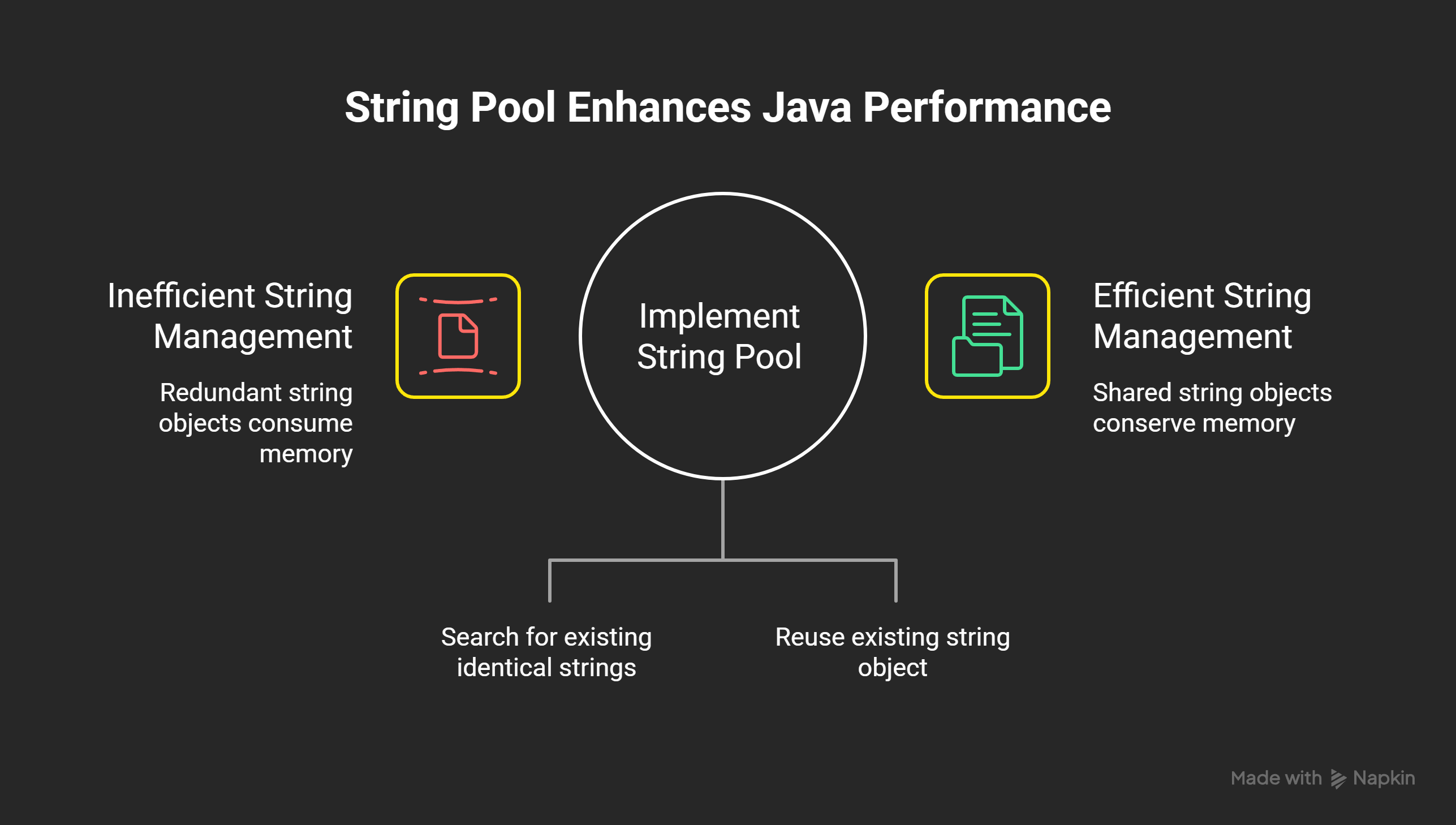
To keep this from completely destroying your RAM, Java uses a specialized caching zone inside the heap called the String Constant Pool (SCP). When you create a string literal, Java checks the pool first. If that text already exists, it reuses the existing reference instead of allocating new space.
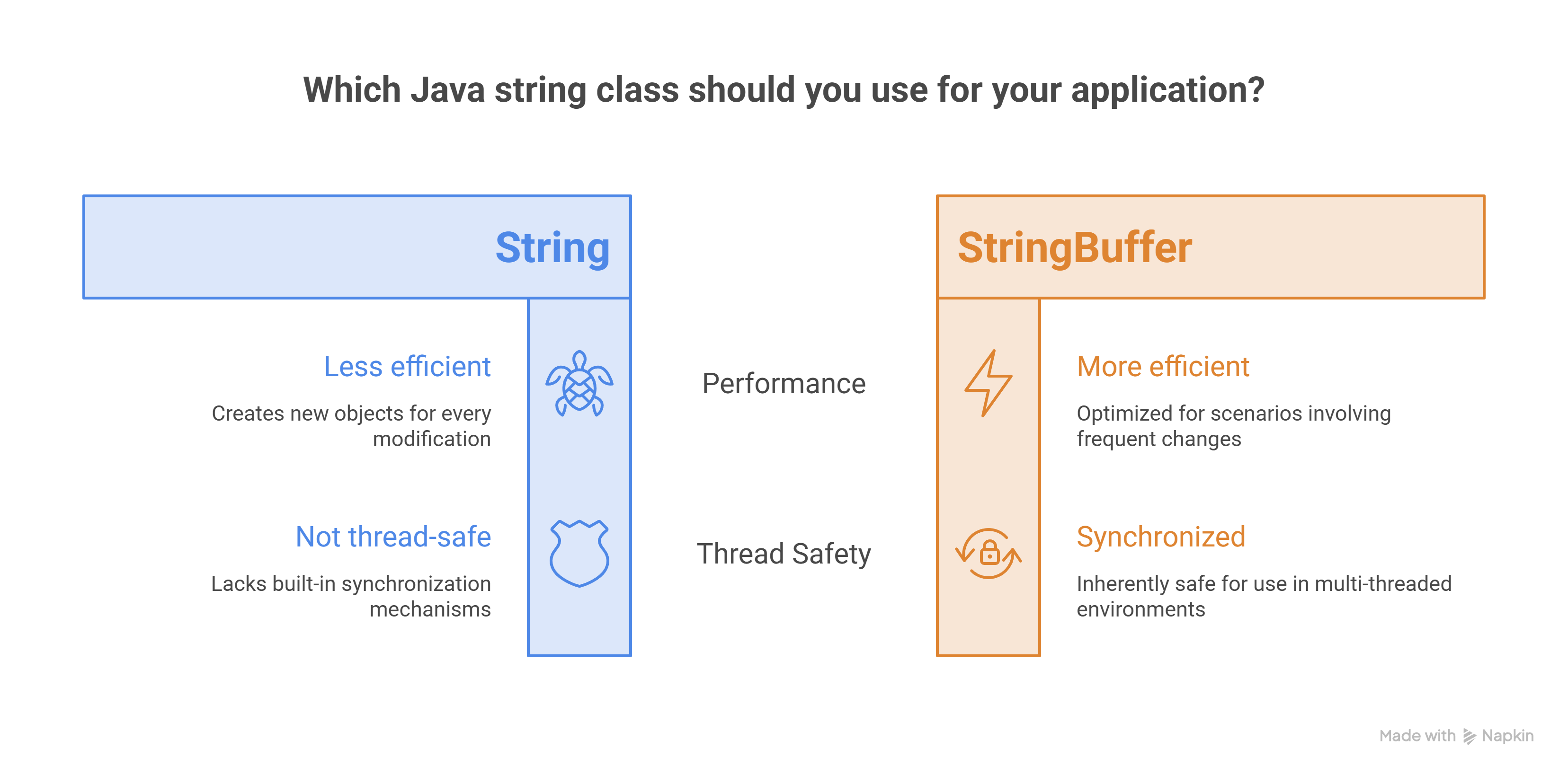
However, if you append strings inside loops using the standard + operator, you force Java to generate hundreds of useless intermediate string objects, creating massive garbage overhead. To bypass this, we use the StringBuffer class. A StringBuffer creates a modifiable, dynamic array of characters that can grow or change natively without throwing junk memory onto the heap.
Building the Log Processor Matrix
Below is the production-ready source code proving string identity changes and demonstrating multi-dimensional array configurations cleanly.
public class MemoryMatrix {
    public static void main(String[] args) {
        System.out.println("--- Java Memory Engine: Active ---");

        // 1. Proving String Immutability (The Identity Trap)
        String baseText = "The moon";
        int originalIdentity = System.identityHashCode(baseText);

        // Modifying the string variable forces a new object creation
        baseText = baseText + " protectes";
        int modifiedIdentity = System.identityHashCode(baseText);

        System.out.println("Original String Memory Address Hash: " + originalIdentity);
        System.out.println("Modified String Memory Address Hash: " + modifiedIdentity);
        System.out.println("Are they the same physical object? " + (originalIdentity == modifiedIdentity));

        System.out.println("\n--- Processing Multi-Dimensional Arrays ---");

        // 2. 2D Array Matrix (Grid Layout)
        // A 3x3 matrix grid representing raw data points
        int[][] dataGrid = {
            {10, 20, 30, 40},
            {50, 60, 70, 80},
            {90, 100, 110 }
        };

        // Crucial Exam Trick: Understanding the .length property in 2D arrays
        System.out.println("Row count (dataGrid.length): " + dataGrid.length);
        System.out.println("Column count of row 0 (dataGrid[0].length): " + dataGrid[0].length);

        // 3. Using StringBuffer for Heap Optimization
        StringBuffer finalReport = new StringBuffer("System Report:\n");

        // Nested loops to traverse our heap array structure smoothly
        for (int row = 0; row < dataGrid.length; row++) {
            for (int col = 0; col < dataGrid[row].length; col++) {
                // StringBuffer modifies the same memory space without throwing trash objects onto the heap
                finalReport.append("[").append(dataGrid[row][col]).append("] ");
            }
            finalReport.append("\n");
        }

        System.out.println("\n" + finalReport.toString());
    }
}
Cracking the Exam Logic: The 2D Array Traps
If you are preparing for core programming exams, professors love to test your understanding of multi-dimensional arrays using code quirks.
In Java, a multi-dimensional 2D array is technically structured as an array of arrays. The master array variable does not point directly to raw numbers; it points to a sequence of references, and each of those references points to an independent 1D array.
Because of this architectural design:
dataGrid.length does not return the total count of individual numbers inside the matrix. It only returns the length of the master array, which is the total number of Rows (3 in our code sample).
To find the number of Columns, you must pick a specific row index first and check its individual length using syntax like dataGrid[0].length (which returns 3 in our code sample).
Prefer Watching Instead of Reading?
If you want to see this entire memory layout and live-code demonstration in action, we just uploaded the complete video version of this guide!
The first half uses a clean animation to track references flowing across the Stack and Heap, and the second half jumps directly into a terminal live-coding session where we print the memory address fingerprints to watch String Immutability and multi-dimensional matrices execute live.